Events
Overview
Use the Events screen to review a timeline of events reported by the panel and connected devices. Events can include system activity, alarms, status changes, troubles, restorations, and device activity.
Use this screen to:
- Review recent panel activity.
- Review historical events.
- Investigate alarms or system issues.
- Check when an event occurred.
- Filter and search event records.
Before you begin
Preconditions
- Confirm that the Neo 5 is powered on and operational.
- Events must exist for the selected panel.
Limitations
warning
- Only events that have been recorded by the system are displayed.
- Event history retention may vary depending on the panel configuration and firmware.
Screen layout
Events screen
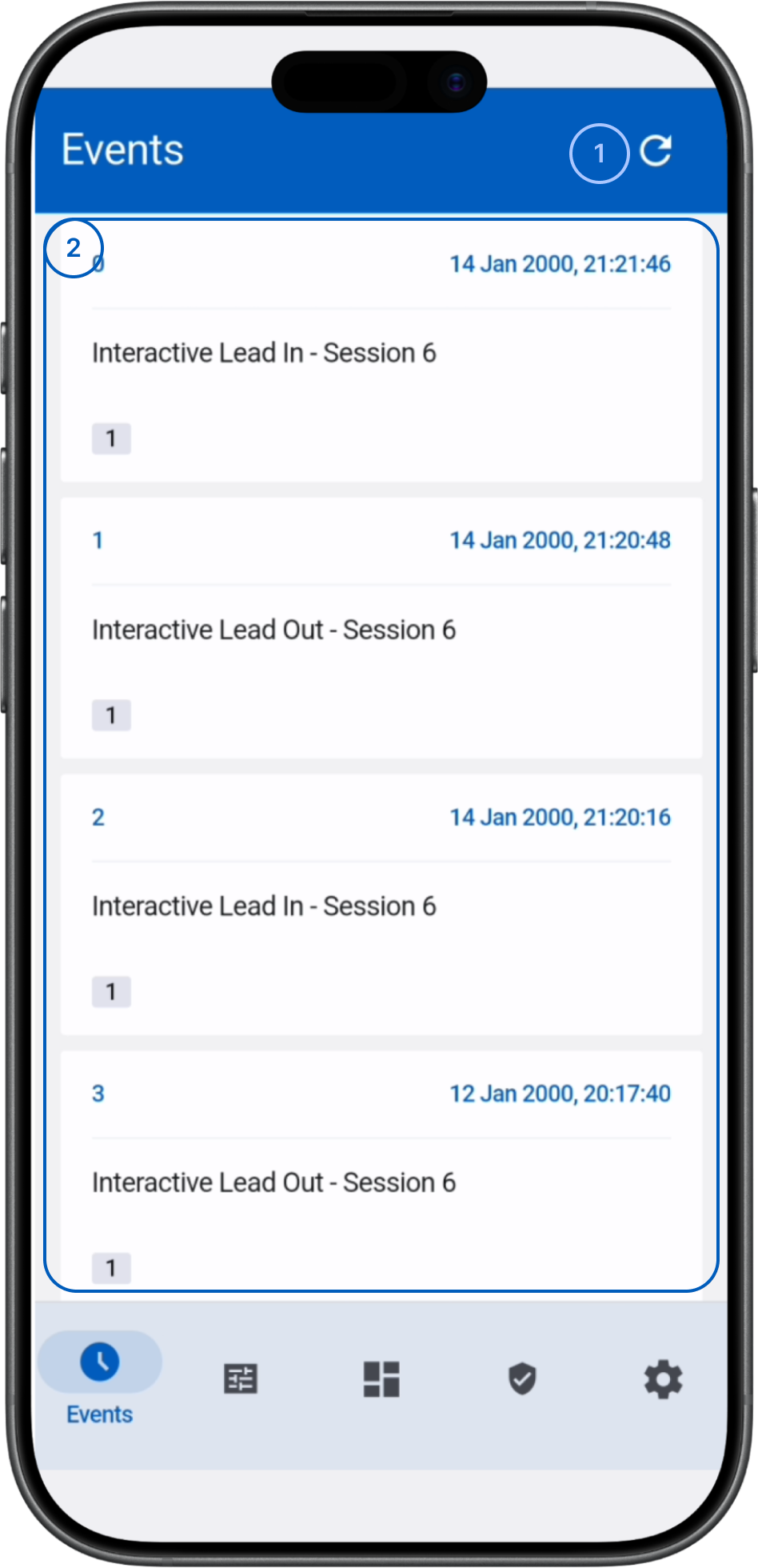
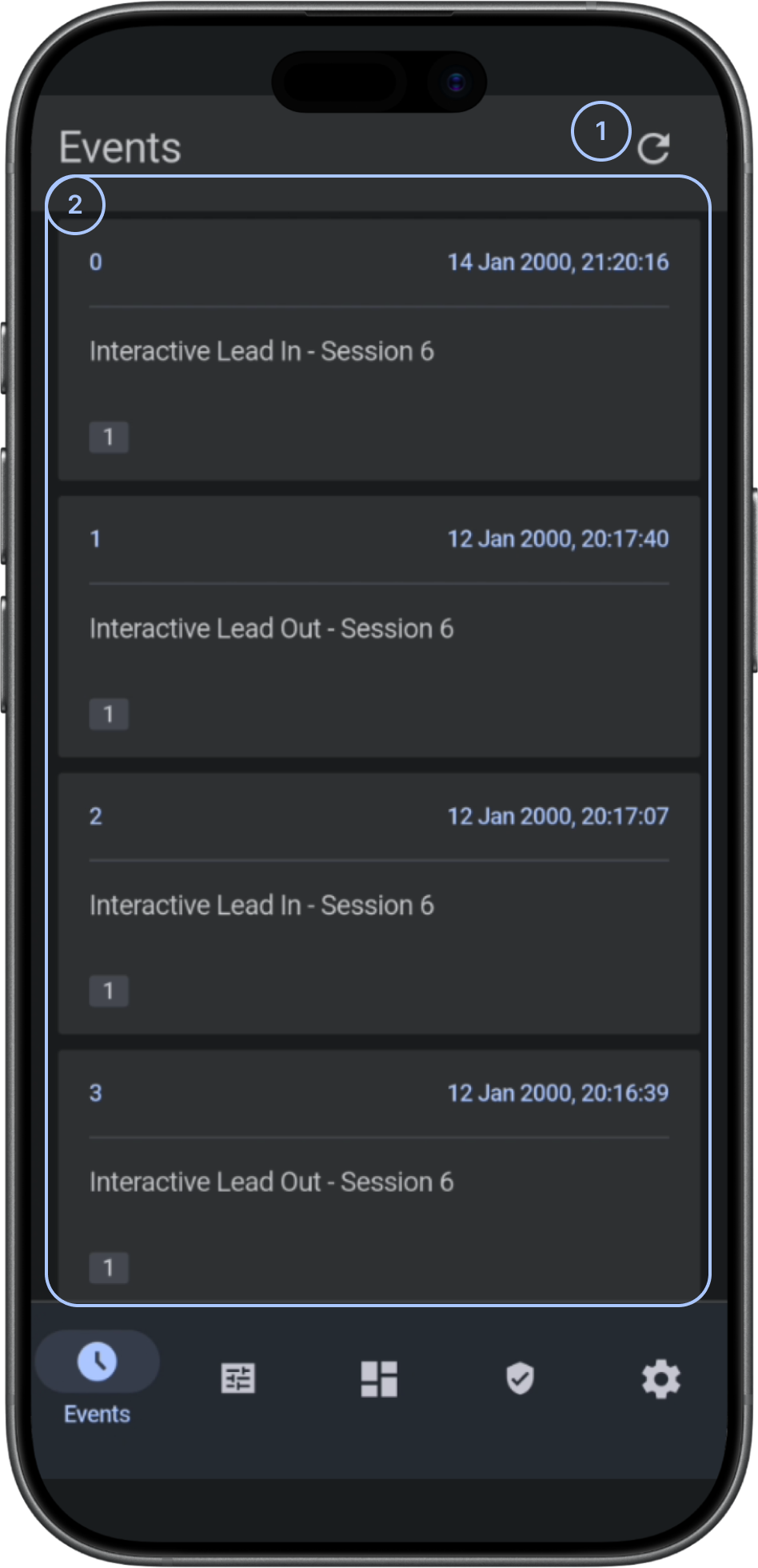
 RefreshLoads the latest events from the panel.
- Events with detailsShows each event's timestamp, name, zone, and partition.
Common scenarios
Review recent events
- Open the Events screen.
- Review the most recent date group at the top of the timeline.
- Examine event timestamps and descriptions.
Tips
tip
- Use filters before investigating large event histories.
Troubleshooting
Events are not visible
Possible causes:
- No events have been generated.
- The selected panel has no available event history.
What to try:
- Check that you selected the correct panel.
- Check that the panel is connected.
- Reopen the Events screen.
- If events still do not appear, contact your service provider or dealer.
Related pages
Was this page helpful?