Fibro account duplication
Overview
PowerManage supports the FIBRO protocol for panels. In some deployments, multiple independent users may configure different panels using the same FIBRO account.
Because the FIBRO protocol expects the account to be unique per panel, duplicated FIBRO accounts can cause panels to conflict on the server. In this scenario, one panel can overwrite another panel, creating a “last one in wins” behavior.
This update prevents those conflicts by identifying panels using the combined FIBRO account and panel MAC address information. PowerManage also surfaces duplicated FIBRO accounts as a trouble condition so dealers and administrators can identify and resolve the duplication.
This update helps PowerManage process panel events and updates correctly even when multiple panels are configured with the same FIBRO account.
What's changed
PowerManage now handles duplicated FIBRO accounts more safely by associating incoming panel data with a combined panel identity.
This update adds support for:
- Identifying panels using the FIBRO account together with the panel MAC address or MAC addresses.
- Processing events and updates for the correct panel when multiple panels use the same FIBRO account.
- Preventing one panel from overwriting another panel on the server because of a duplicated FIBRO account.
- Raising a trouble condition when a duplicated FIBRO account is detected.
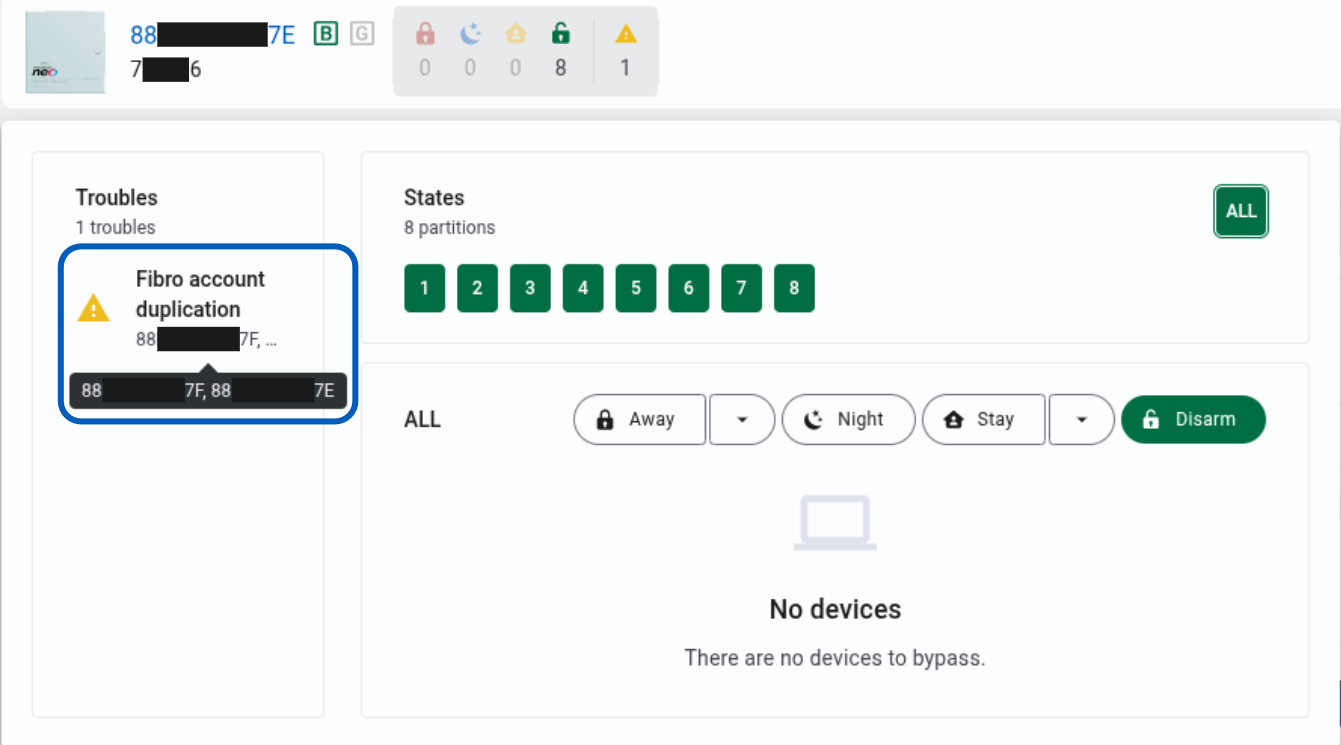
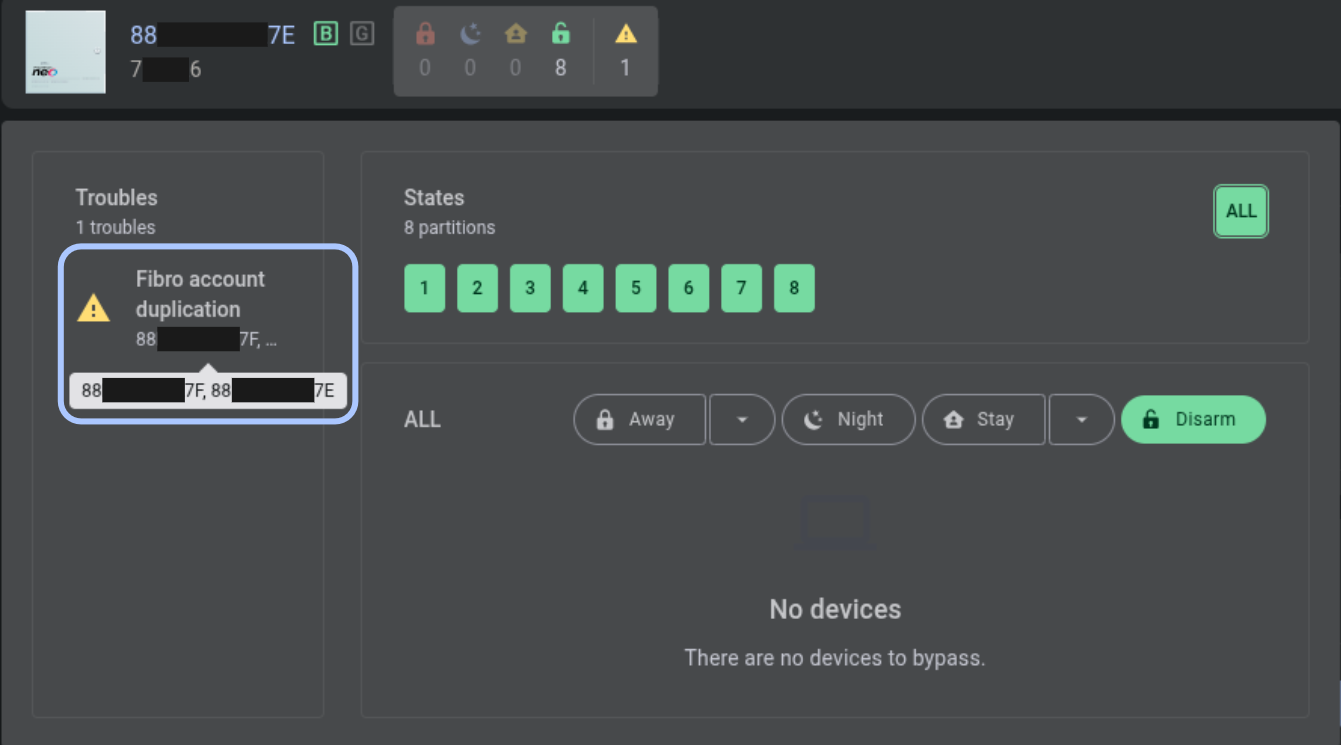
Fibro account duplication trouble
PowerManage raises a trouble alert on any panel that has a duplicated FIBRO account.
Who is affected
This update affects:
- Dealers, operators, installers, and administrators who manage panels that use the FIBRO protocol.
- Deployments where multiple panels may be configured with the same FIBRO account.
- Independent dealers that may accidentally reuse an existing FIBRO account on different panels.
Benefits
Fibro account duplication handling provides the following benefits:
- Prevents duplicated FIBRO accounts from causing panel overwrite conflicts.
- Helps PowerManage process events and updates for the correct panel.
- Improves visibility by showing duplicated FIBRO accounts as a trouble condition.
- Helps dealers and administrators identify panels that need account correction.
- Reduces the risk of event processing issues caused by reused FIBRO accounts.
What you need to do
Typical use
No action is required for event processing. PowerManage uses the combined FIBRO account and MAC address identity automatically when processing incoming FIBRO panel data.
Resolve duplicated FIBRO accounts
If PowerManage shows a FIBRO account duplication trouble:
- Open the affected panel in PowerManage.
- Review the trouble condition in the Equipment hub.
- Coordinate with administrators and any involved dealers.
- Identify all panels using the duplicated FIBRO account.
- Update the configuration so each panel uses a unique FIBRO account.
- Confirm that the duplication trouble is cleared after the account configuration is corrected.
Resolve duplicated FIBRO accounts by assigning a unique FIBRO account to each panel. This reduces conflict risk and helps improve event processing performance.
Behavior details
When PowerManage receives panel data over FIBRO, it uses the incoming FIBRO account together with panel MAC address information to identify the correct panel.
The processing flow is:
- PowerManage reads the FIBRO account from the incoming panel data.
- PowerManage also uses the panel MAC address or MAC addresses.
- PowerManage associates the panel in the database using the combined identity: FIBRO account plus MAC address information.
- Events and updates are processed for the correct panel, even if other panels use the same FIBRO account.
This pairing ensures that when multiple panels share the same FIBRO account, PowerManage can still process each panel’s data correctly without one panel overwriting another.
Important notes and limitations
- FIBRO accounts are expected to be unique per panel.
- PowerManage can process panels with duplicated FIBRO accounts by using the FIBRO account together with MAC address information.
- A duplicated FIBRO account is still surfaced as a trouble condition and should be resolved.
- Duplicated FIBRO accounts should be corrected by coordinating with administrators and involved dealers.
- Keeping unique FIBRO accounts per panel helps reduce load and improve event processing performance.
Do not leave duplicated FIBRO accounts unresolved. Although PowerManage can prevent panel overwrite conflicts, duplicated accounts can still create operational confusion and may affect event processing performance.