IQ APN options upload and download support
Overview
PowerManage now supports reading and transferring cellular Access Point Name (APN) configurations for IQ panels. This functionality allows you to retrieve the currently programmed APN settings from the device and apply APN settings consistently when needed.
By using PowerManage, you can maintain APN configurations across multiple IQ panels more accurately, simplify configuration management, and reduce the risk of misconfiguration.
APN options are configured per panel from the panel configuration in PowerManage.
What's changed
PowerManage adds support for IQ panel APN configuration read, upload, and download operations.
This update allows users to:
- Retrieve currently programmed APN settings from an IQ panel.
- Upload APN configuration values to a panel.
- Download APN configuration values from a panel.
- Manage APN settings from the panel configuration workflow.
APN configuration options
These APN options support read, upload, and download operations:
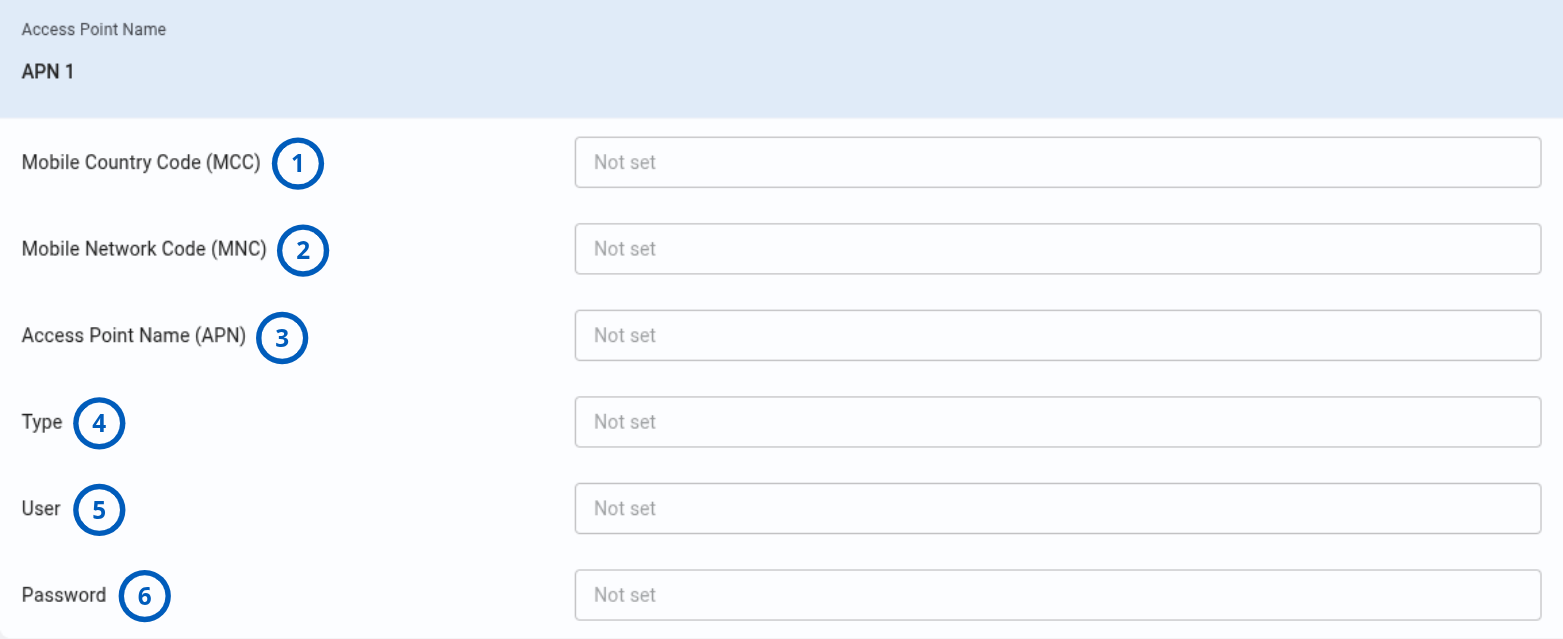
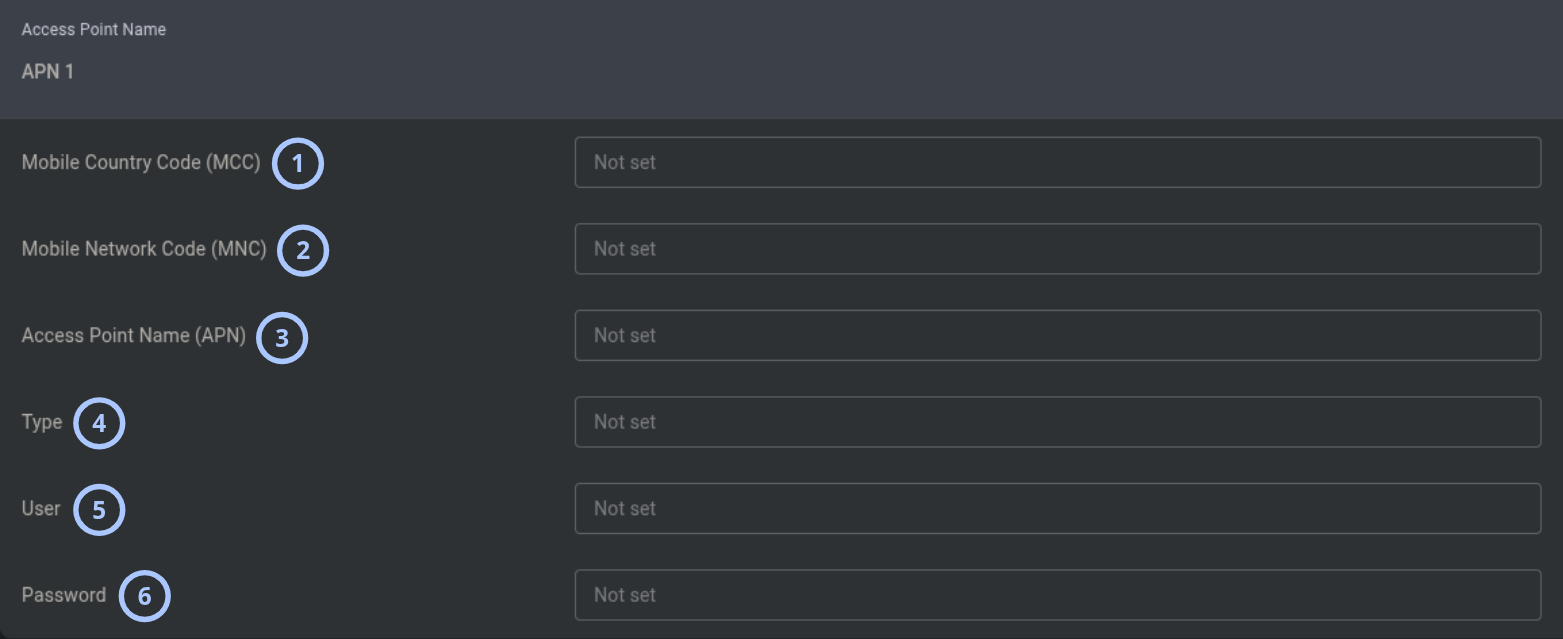
| Callout | Option | Description |
|---|---|---|
| 1 | Mobile Country Code (MCC) | Mobile network country identifier. |
| 2 | Mobile Network Code (MNC) | Mobile network operator identifier. |
| 3 | Access Point Name (APN) | The APN used for cellular data connectivity. |
| 4 | Type | APN type value. |
| 5 | User | Username for APN authentication. |
| 6 | Password | Password for APN authentication. |
Who is affected
This update affects:
- Dealers, operators, installers, and administrators who manage IQ panel cellular configuration.
- IQ panels that use cellular APN settings for data connectivity.
- Users who need to read, upload, or download APN configuration values.
Benefits
IQ APN options upload and download support provides the following benefits:
- Easier APN configuration management for IQ panels.
- Ability to retrieve the currently programmed APN settings from the device.
- More consistent APN configuration across multiple panels.
- Reduced risk of manual entry errors and misconfiguration.
What you need to do
Access APN options
You can access APN settings from the panel configuration area.
To locate APN options:
- Open the panel that you want to manage.
- Go to the panel Configuration tab.
- Download the configuration, if needed.
- Locate the Access Point Name section in the Configuration tab.
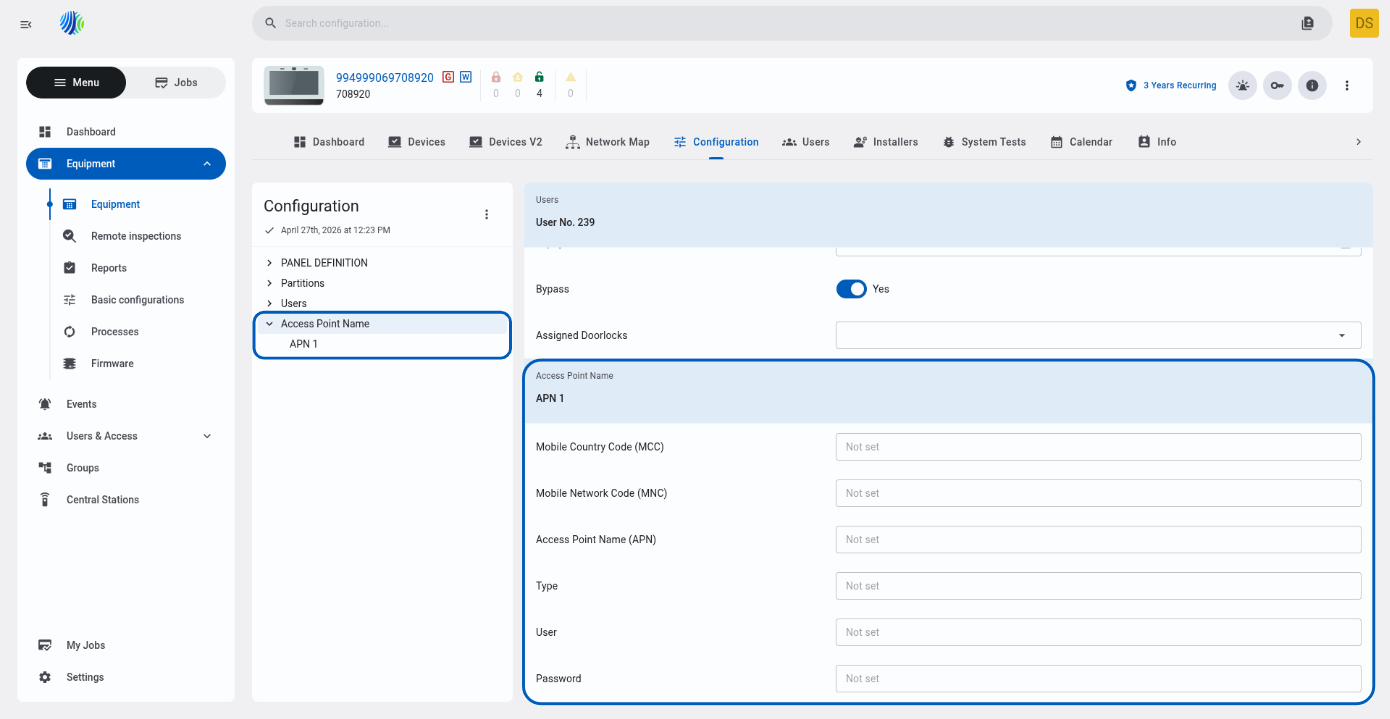
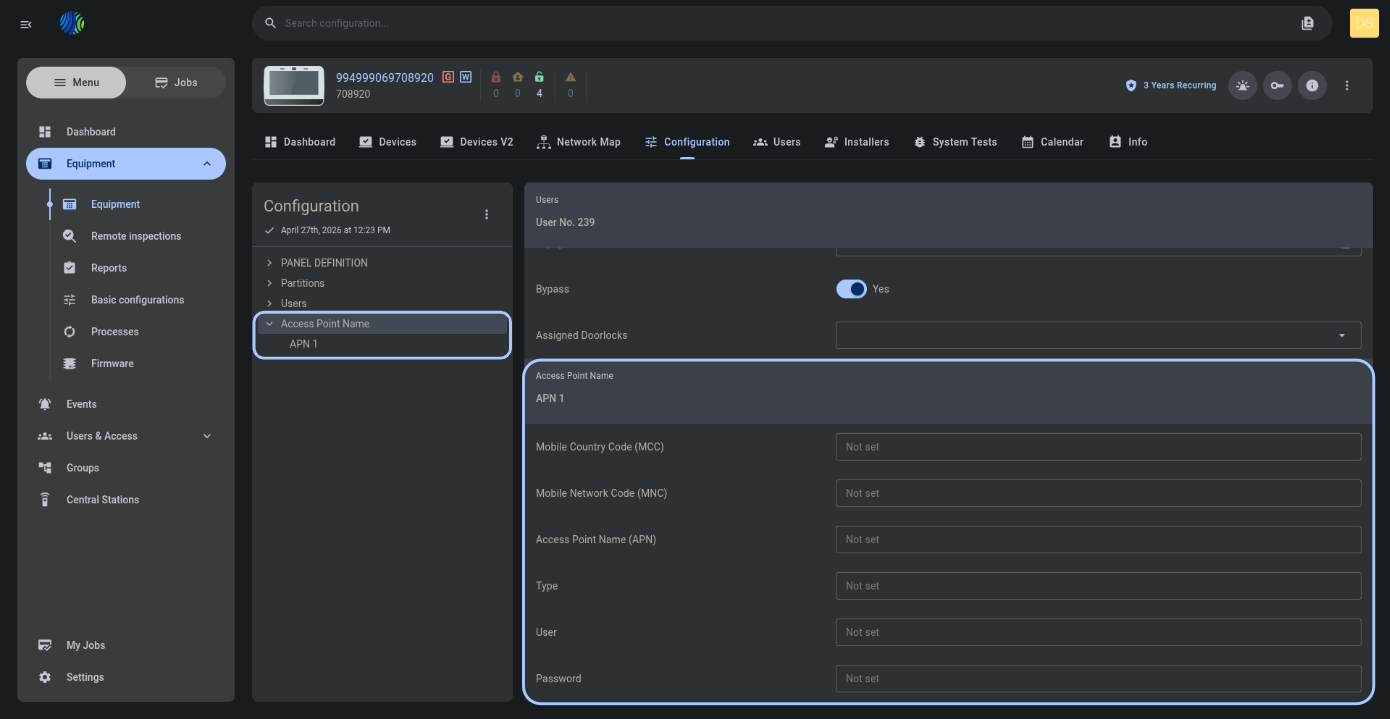
Download the panel configuration before making changes when you need to review the currently programmed APN values from the device.
Manage APN values
Use the APN configuration options to review or update cellular APN values, including MCC, MNC, APN, type, user, and password.
Behavior details
PowerManage provides APN configuration support through the IQ panel configuration workflow. Users can read the panel's current APN settings and transfer APN values using upload and download operations.
The supported APN fields are:
- Mobile Country Code (MCC): Mobile network country identifier.
- Mobile Network Code (MNC): Mobile network operator identifier.
- Access Point Name (APN): The APN used for cellular data connectivity.
- Type: APN type value.
- User: Username for APN authentication.
- Password: Password for APN authentication.
APN values should match the cellular network and service provider requirements for the panel's SIM or cellular service.
Important notes and limitations
- This functionality applies to IQ panels with supported cellular APN configuration options.
- APN settings are managed from the panel configuration workflow.
- Incorrect APN values can affect cellular data connectivity.