Material Design 3.0 compliance and UI refactoring
Overview
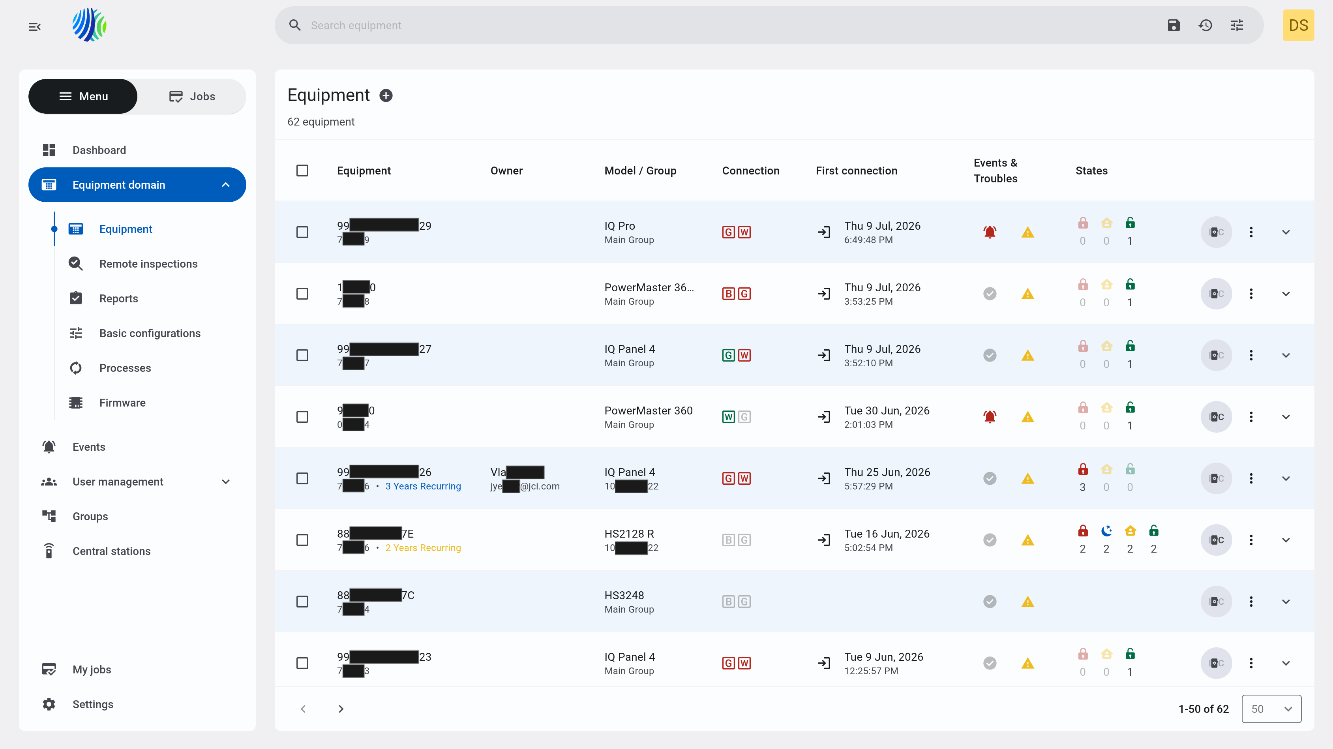
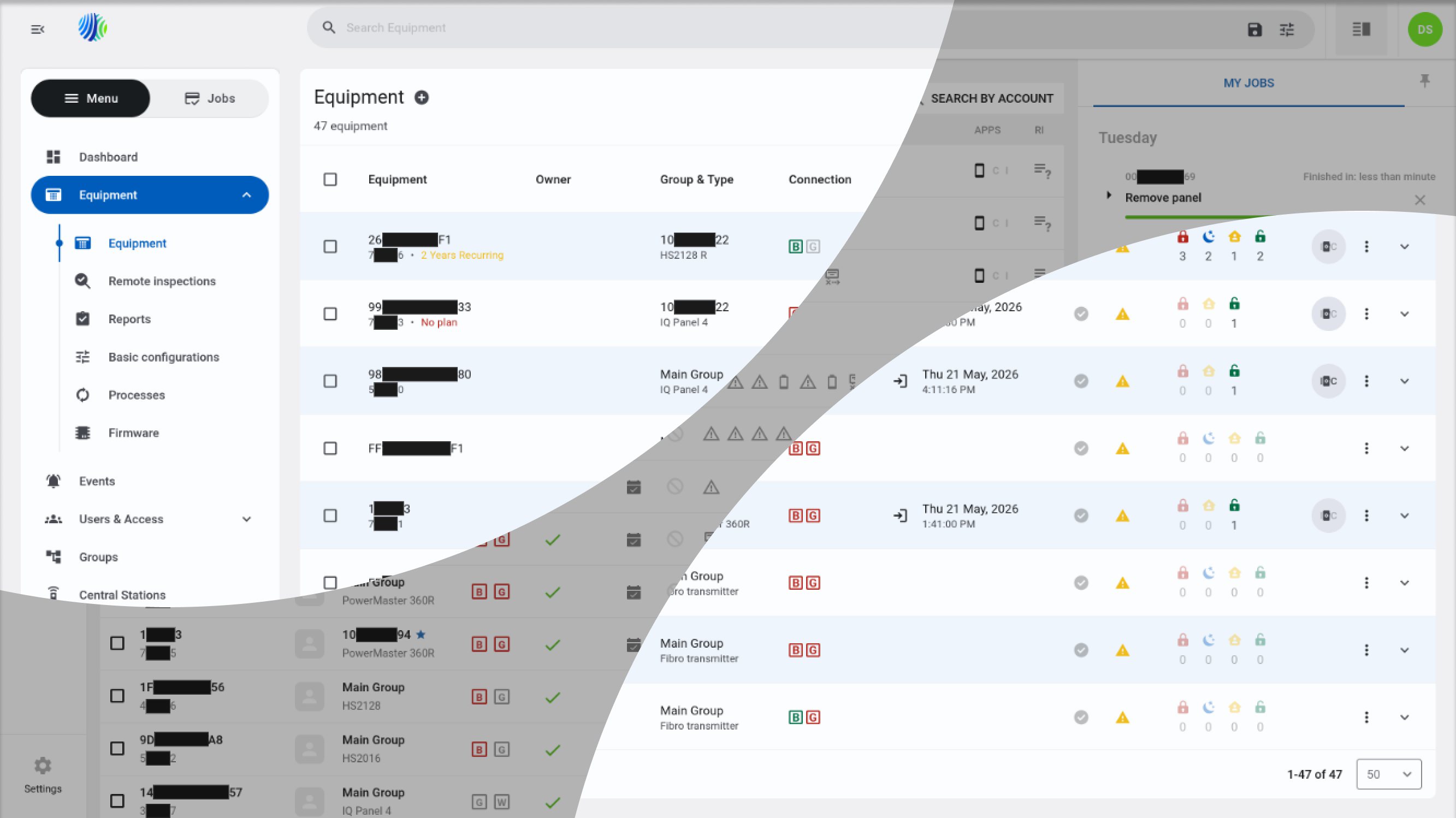
PowerManage now follows Material Design 3 guidelines. This update gives the application a more modern look and improves consistency across pages, layouts, and UI components.
The update focuses on:
- A refreshed visual style based on Material Design 3.
- More consistent layouts and components across PowerManage.
- Better use of available screen space, especially on larger screens.
- Improved responsive behavior for supported screen widths.
What's changed
Updated look and layout
PowerManage includes a refreshed interface with the following improvements:
- Updated visual styling based on Material Design 3.
- More consistent page layouts and UI components.
- Improved use of space on larger screens to show more information where possible.
Responsive design improvements
The interface is designed to work at the following screen widths:
- 1280 px: Must display correctly.
- 1024 px: Should display correctly.
- 768 px: May display correctly.
The best supported experience is at 1280 px and above. Some pages may still be usable at smaller widths, but the layout may be less optimized.
Who is affected
This update affects:
- Dealers, operators, installers, and administrators who use PowerManage.
Benefits
Material Design 3.0 compliance and UI refactoring provide the following benefits:
- A more modern and consistent user experience.
- Improved readability and visual structure across pages.
- Better use of screen space on larger displays.
- More consistent behavior for common UI components.
- Better foundation for future UI improvements and continued modernization.
What you need to do
Typical use
No action is required. Continue using PowerManage as usual with the refreshed interface and improved layouts.
Review updated pages
When working with updated pages:
- Review the refreshed layout and component behavior.
- Use existing workflows unless the page provides updated controls.
If a page looks different after the update, first try the same workflow you used before. Most changes are visual and should not require retraining.
Behavior details
PowerManage now uses Material Design 3-based styling and refactored UI components across updated areas of the application. This improves consistency between pages and helps align common controls, spacing, layouts, and table behavior.
Responsive behavior depends on the available screen width:
- At 1280 px, pages must display correctly.
- At 1024 px, pages should display correctly.
- At 768 px, pages may display correctly, but some screens may not be fully optimized.
Important notes and limitations
- Some areas are still in progress as PowerManage continues to transition to the new design.
- Some screens may not be fully optimized for 768 px width.
- Most workflows remain unchanged, but updated pages may include refreshed controls or layout behavior.